How to Make QR Code Wedding Signs, Programs & Menus: A Modern Guide for Easy Guest Access
Save money and add a modern touch with this creative QR code wedding program and menu idea!
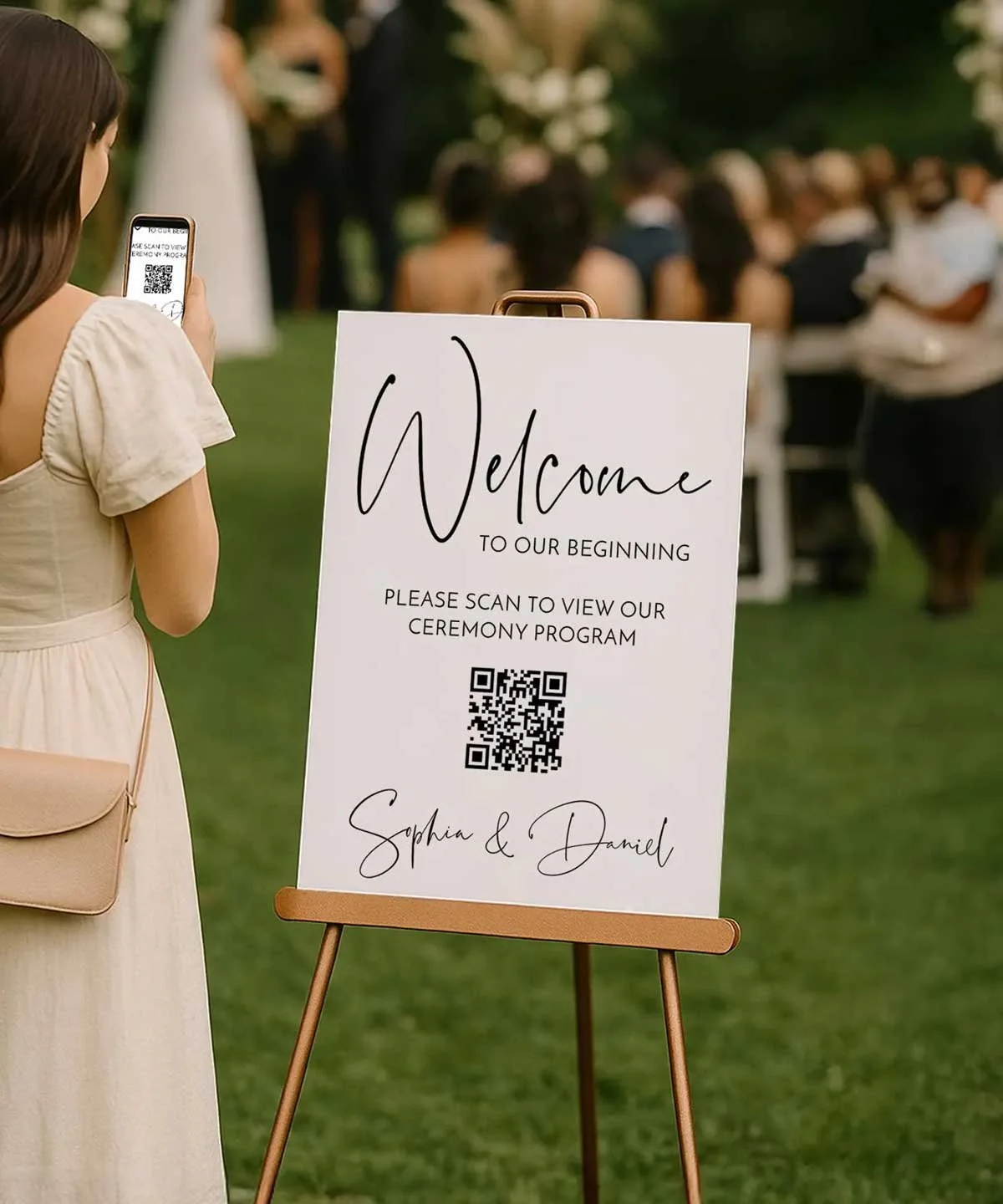
Planning your wedding stationery and signage? A QR code wedding welcome sign is an elegant way to streamline your ceremony programs and menus into one simple, scannable design. Instead of printing stacks of paper, display a single welcome sign with a QR code that links to your digital program or menu — saving time, money, and paper.
In this step-by-step guide, you’ll learn how to create a custom QR code from your document, embed it into a wedding sign template, and print a professional-looking sign that fits perfectly with your décor. From generating the QR code to uploading your PDF and printing your final design, we’ll walk you through every step.

QR codes are becoming a wedding essential — offering guests quick, contactless access to your details. Just like scanning a restaurant menu, guests can simply use their phones to view your ceremony schedule, dinner options, or even your wedding website. This eco-friendly, budget-conscious idea adds convenience, reduces waste, and brings a sleek, tech-savvy style to your celebration.


Why Use Digital Programs?
Save Money: Skip the cost of printing dozens of paper programs — one digital file and a simple QR code sign is all you need.
Easily Make Last-Minute Changes: Update your digital program anytime without reprinting. Perfect for timeline tweaks or vendor changes.
Eco-Friendly: Reduce paper waste and make your wedding more sustainable with this modern, green alternative.
Quick and Convenient: No folding, no printing, no stress — just upload, scan, and share.
Stylish & Modern: Impress your guests with a sleek, tech-savvy touch that fits today’s digital-first celebrations.
Ok, how does this work?
1. Purchase your Template
Purchase one of our welcome sign/wedding programs templates at our Etsy shop.
2. Edit your Wedding program template
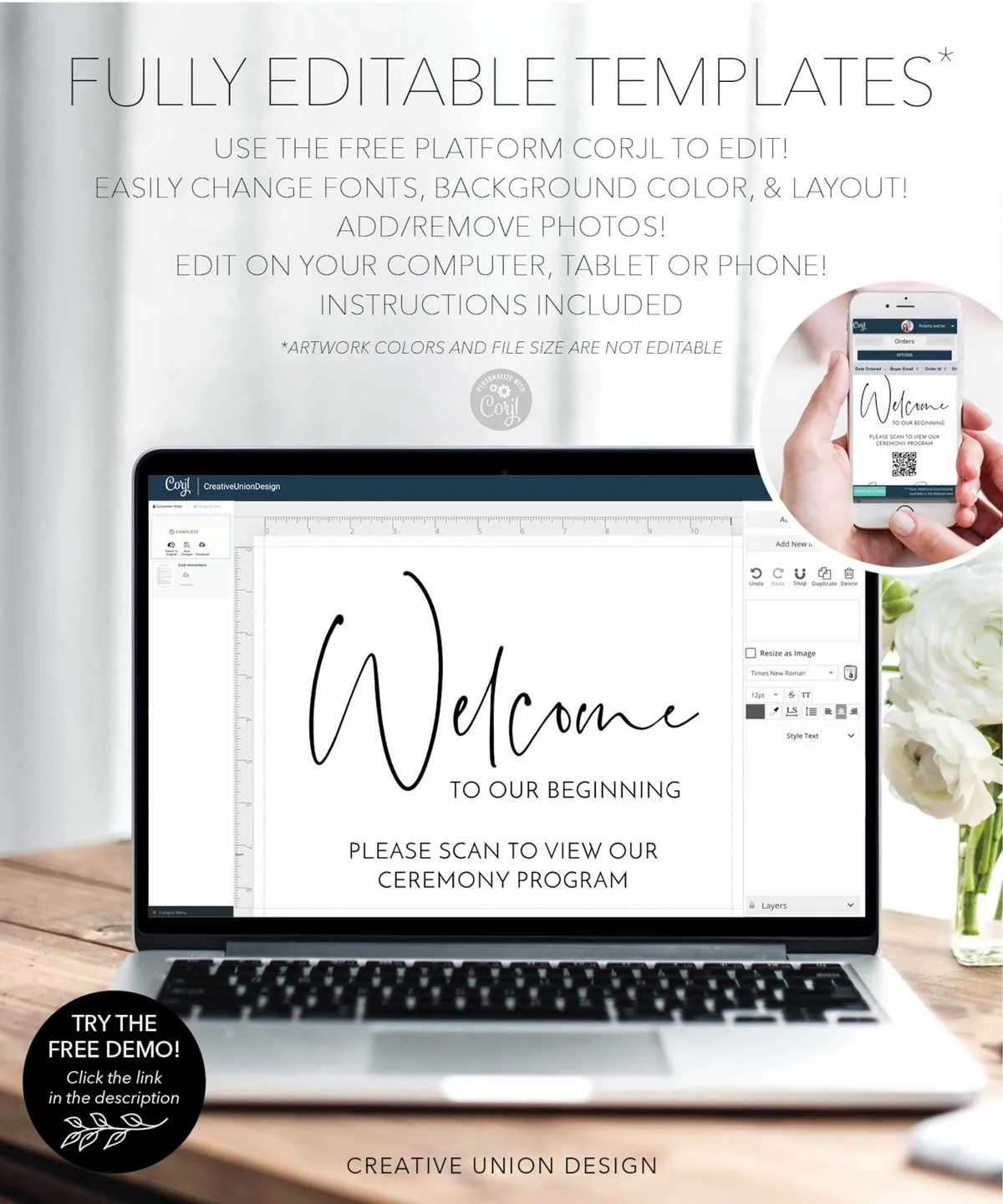
After you purchase, you will receive an email with a link to log into the (FREE) platform Corjl.com. Edit your program and menu files on a computer, phone or tablet with your wedding information! Save as a PDF.
3. Create Your Wedding Program QR code
Go to https://tiiny.host/use-case/pdf-to-qr-code/ and upload your PDF file. Generate your QR code. Download your QR code as a PNG file.
4. Edit your Welcome sign template and print
Open your welcome sign template. Edit with your wedding information and place your QR code file in the picture box. Save your PDF and print your welcome sign at your local copy center or online printer.
What’s Included?
QR Code Welcome Signs and wedding program templates
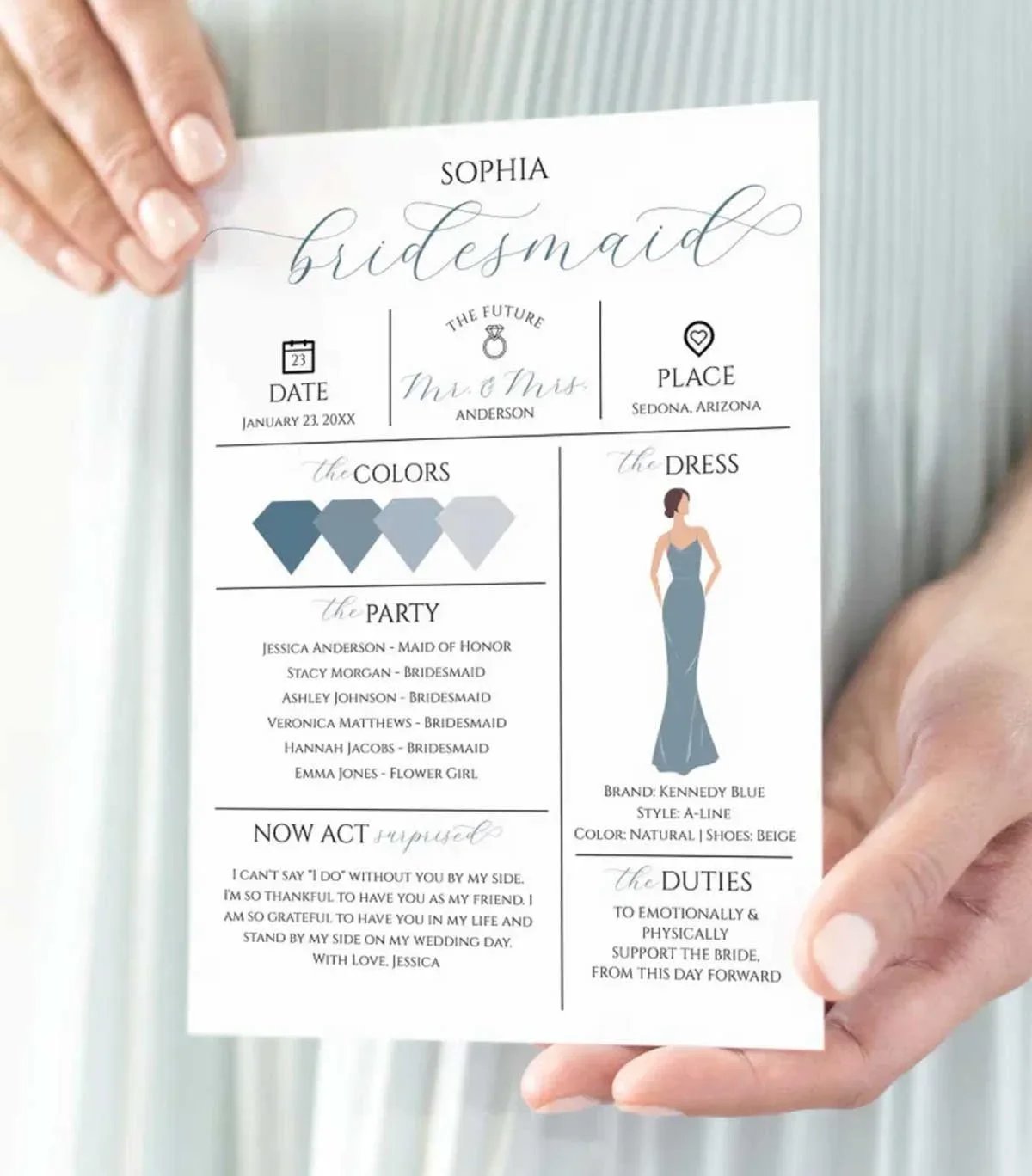
With this purchase you will receive an editable scannable QR code wedding welcome sign AND a digital editable wedding program template! What files are included in your purchase:
4" x 9" Wedding Program - Two Pages (can add more pages)
4" x 9" Wedding Menu - One Page (can add more pages)
4" x 6" Small Table Sign
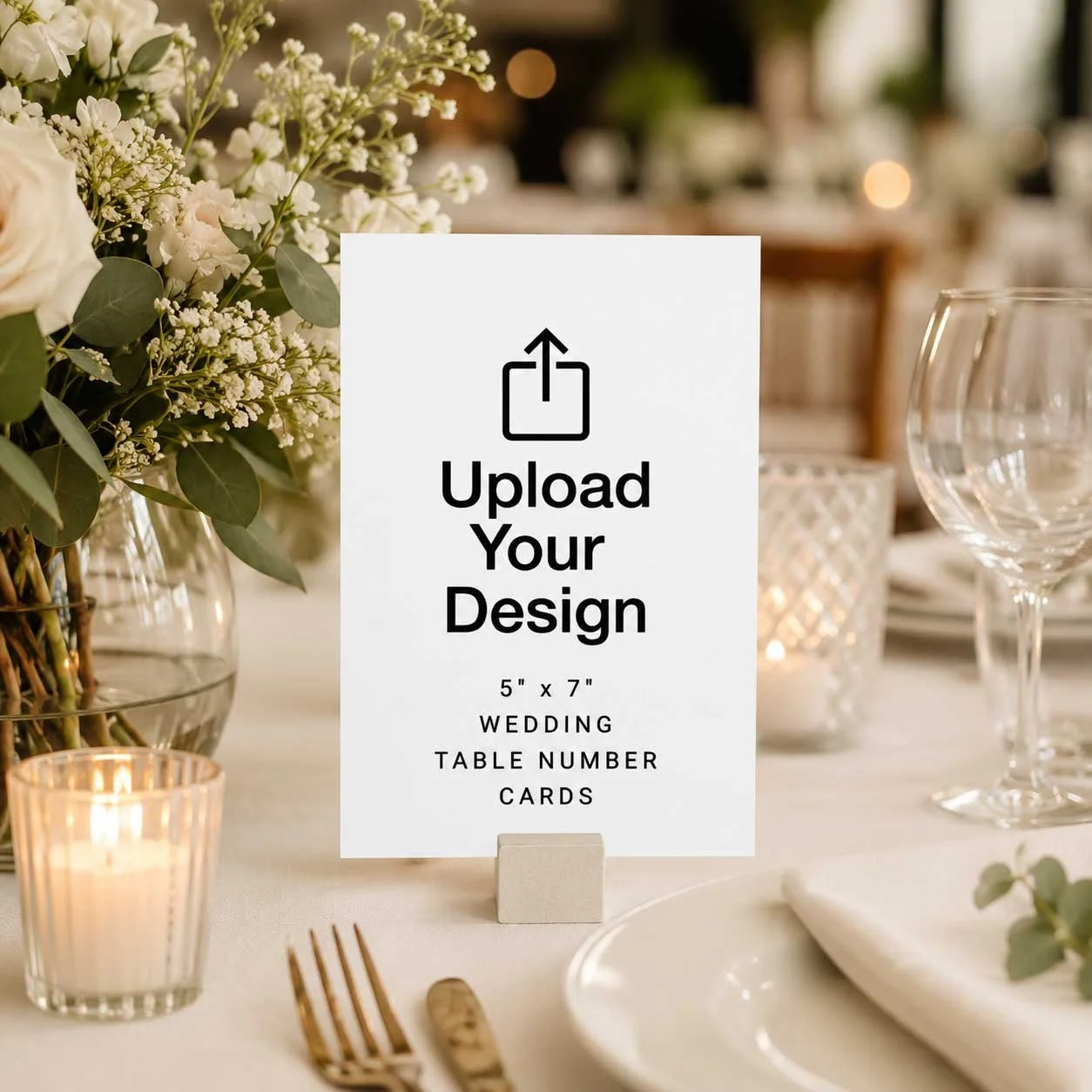
5" x 7" Small Table Sign
8" x 10" Welcome Sign
16" x 20" Welcome Sign
18" x 24" Welcome Sign
24" x 36" Welcome Sign
What’s Editable?
Wording
Font Style
Font Color
Font Size
Background Color
Add or Remove Images
Add or Remove Sections
Layout
*File size are not editable
Welcome Sign Printing options?
If you can’t print at your local copy center there are some online printing options:
FAQ: QR Codes and Digital Wedding Programs
1. What is a QR code and how does it work?
A QR code (short for “Quick Response”) is a type of barcode made up of black and white squares. When scanned with a smartphone camera, it instantly opens a webpage or file — like your digital wedding program or menu — making it easy for guests to access information right from their phones.
2. How do I create a QR code for my wedding program or menu?
You can generate a QR code for free using online tools such as Canva, QR Code Generator, or Adobe Express. Simply upload your digital file (like a PDF or Google Doc), copy the link, and paste it into the QR generator to create your custom code.
3. How can I add my QR code to a wedding welcome sign or program?
Once your QR code is ready, download it as a PNG or JPG image and upload it to your welcome sign or stationery template. You can design and print your sign using platforms like Zazzle, Canva, or Creative Union Design to match your wedding style.
4. Do my guests need a special app to scan the QR code?
No — most modern smartphones can scan QR codes directly from the camera app. Guests simply open their camera, point it at the code, and tap the link that appears on their screen.
5. What if I need to change my program or menu after printing the sign?
That’s one of the biggest perks of digital programs! If you used a shareable link (like Google Drive or your wedding website), you can update the content anytime — and the QR code will still lead guests to the latest version.
6. Are digital programs and QR code signs acceptable for formal weddings?
Absolutely. QR code wedding signage can be styled elegantly to complement any theme — from minimalist modern to classic or romantic. They’re both practical and chic, giving your wedding a polished, contemporary feel.
We like to suggest other products that can be helpful. Recommended items contain affiliate links. We may receive a small commission for purchases made through these links.